Doodle Daisies Digital Paper
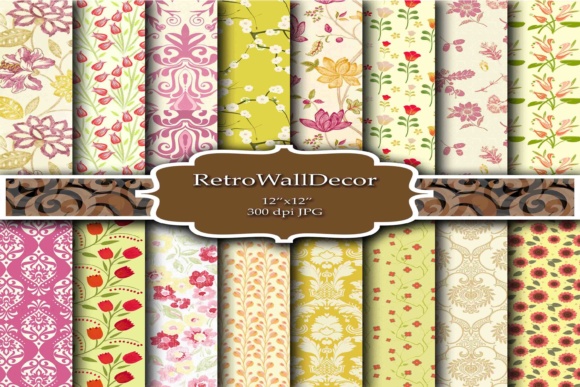
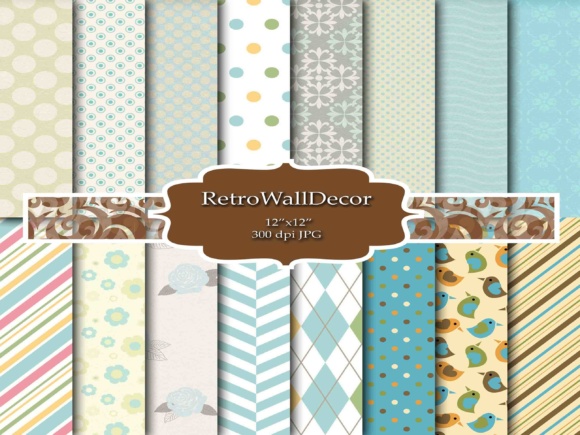
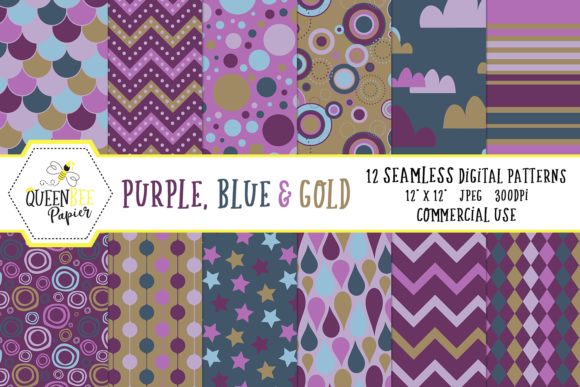
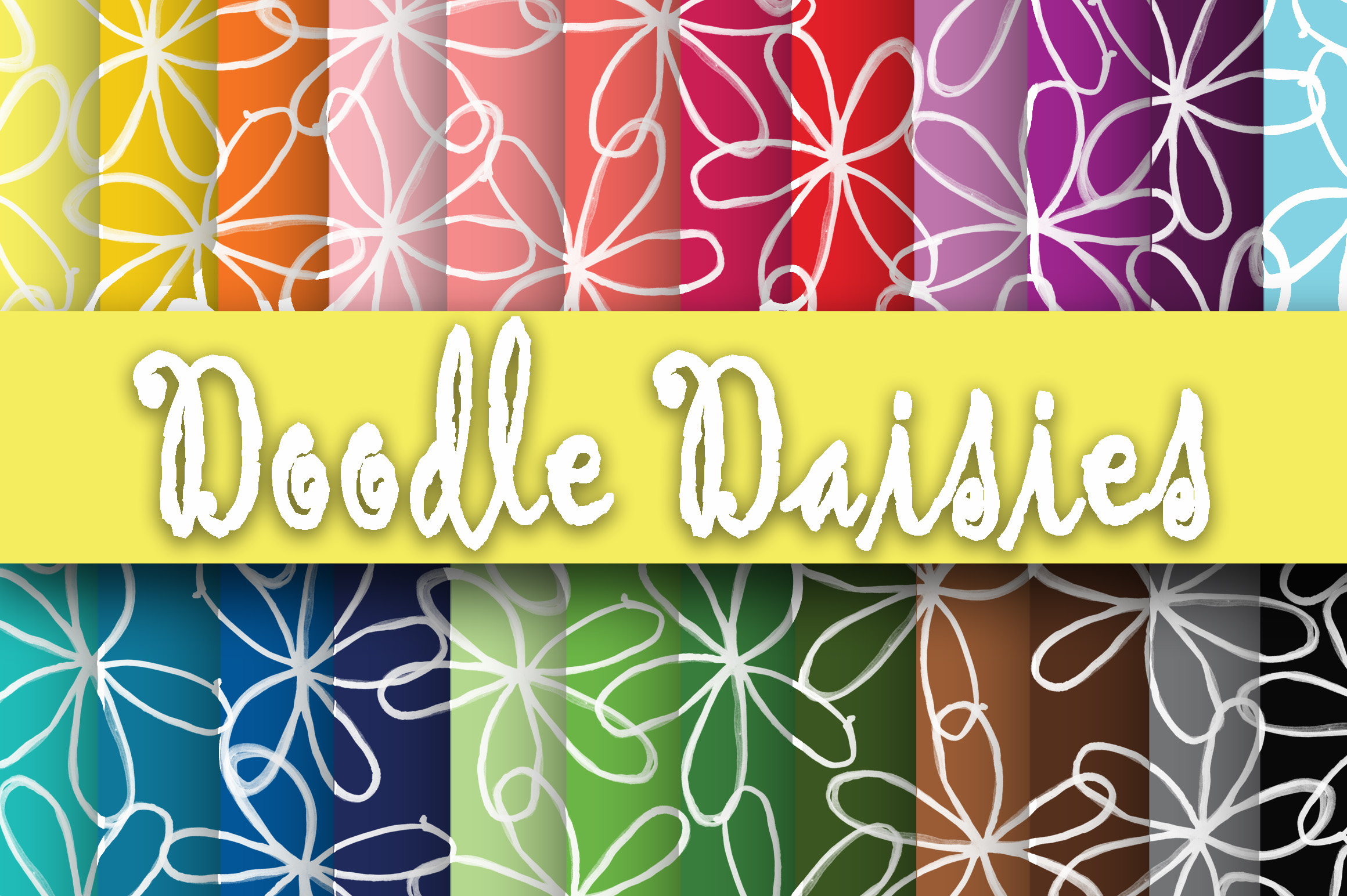
Doodle Daisies Digital Paper is a curated collection of 24 high-resolution digital patterned papers, each measuring 12 inches by 12 inches and saved as JPEG files at 300 dpi. The designs feature hand-drawn, whimsical daisy motifs arranged in playful, repeating patterns—hence the “doodly” aesthetic. These papers are intended for digital and hybrid craft applications, including print-at-home projects, digital scrapbooking layouts, card templates, wedding stationery design, and social media graphics.
Unlike physical paper pads or printable PDF bundles with layered elements, this set delivers flat, ready-to-use background textures. There are no transparent layers, SVG cuts, or editable vector files included—only JPEGs optimized for clarity and color fidelity when printed or displayed on screen.
Who Might Consider Doodle Daisies Digital Paper?
Crafters and designers evaluating this set typically fall into one of several categories: hobbyists building a personal library of themed digital supplies; small-business owners creating printable wedding invites or greeting cards; educators designing classroom materials with cheerful, nature-inspired visuals; or digital scrapbookers seeking cohesive, spring- or garden-themed backgrounds.
The appeal lies in its specificity: if daisies—and the light, informal doodle style—match an upcoming project’s mood or branding, then this set offers a focused solution. It avoids the visual clutter of overly busy florals or the formality of photorealistic botanicals, landing instead in a friendly, approachable middle ground.
Practical Benefits and Realistic Expectations
At 300 dpi and 12×12 inches, each file supports crisp printing on standard scrapbook paper or cardstock without pixelation. JPEG format ensures broad compatibility across design software—from Adobe Photoshop and Affinity Designer to free tools like Canva and GIMP—as long as the platform accepts raster image backgrounds.
The 24-paper count provides variety without overwhelming choice. Users can expect subtle shifts in density, spacing, and accent elements (e.g., scattered stems, dotted outlines, or minimal leaf clusters), but not dramatic stylistic departures. This consistency helps maintain visual harmony across multi-page projects like invitation suites or memory books.
However, users should note limitations. Because these are JPEGs—not layered PSDs or editable vectors—customizing individual daisy shapes or recoloring specific elements isn’t possible without advanced masking or retouching skills. Likewise, scaling beyond 12×12 inches may degrade quality, and tiling for large-format prints (e.g., banners or wall decals) requires manual seam management.
Situations Where This Set Fits Well
Doodle Daisies Digital Paper works especially well for time-constrained projects where thematic alignment matters more than deep customization. For example:
- A wedding planner designing matching save-the-dates, menus, and place cards for a rustic garden ceremony.
- A teacher preparing end-of-year award certificates with a cheerful, handcrafted look.
- A blogger creating Pinterest-friendly quote graphics with soft, organic framing.
- A hobbyist assembling a themed digital scrapbook layout centered on springtime memories or childhood photos.
In each case, the set reduces the need to source, license, or create compatible backgrounds from scratch—streamlining workflow while preserving a unified aesthetic.
When Alternatives May Be More Suitable
This collection may be less ideal for users needing flexibility beyond static backgrounds. Designers who regularly adjust colors per client, require transparent PNG overlays, or work with cut-file formats (like SVG or DXF for Cricut or Silhouette machines) will likely need supplemental assets—or a different product altogether.
Likewise, those seeking maximal variety within a single purchase might prefer broader-themed bundles (e.g., “Spring Florals” or “Hand-Drawn Elements”) that include coordinating alphas, frames, and embellishments alongside papers. While Doodle Daisies Digital Paper excels in focus, it doesn’t extend into full design kits.
Another consideration is licensing. Though typical for personal and small-business use, users should verify the seller’s terms regarding commercial redistribution—especially if embedding papers directly into editable Canva templates or selling pre-designed printables where the original files remain identifiable.
Making a Practical Decision
To determine whether Doodle Daisies Digital Paper aligns with your needs, ask three questions:
- Does the visual style match my project’s tone? Review thumbnails carefully—not just for daisies, but for line weight, spacing, and overall energy. A “doodly” look implies looseness and irregularity; if your brand relies on precision or minimalism, this may clash.
- What’s my intended output method? If you’ll print most assets at home or through a local lab, JPEGs at 300 dpi are sufficient. But if you’re building layered digital products (e.g., drag-and-drop planners or interactive PDFs), consider whether flat backgrounds meet your functional requirements.
- How much existing content do I already own? Before adding another floral-themed set, scan your current library. Duplication is common among digital paper collections—especially around popular motifs like daisies, roses, or lavender. Assess gaps first.
It’s also worth comparing file delivery methods. Some sellers provide ZIP downloads with organized naming conventions (e.g., “DoodleDaisies_01_BrightYellow.jpg”), while others offer unstructured folders. Clear labeling supports long-term usability, particularly as your digital asset library grows.
Final Thoughts
Doodle Daisies Digital Paper fills a specific niche: accessible, print-ready background textures for creators drawn to lighthearted, botanical illustration. Its value emerges not from technical complexity or expansive features, but from thoughtful curation and reliable execution. For users whose goals center on efficiency, thematic coherence, and straightforward application, it offers a practical resource—one that supports creativity without demanding extensive setup or editing.
As with any digital supply, its usefulness depends less on inherent qualities and more on alignment with your current workflow, design standards, and project scope. Evaluating it alongside your actual needs—not just its description—helps ensure it serves as a tool, not just another file in a growing archive.